


Digital Banking Features
With simple-to-use navigation, online features and services, you can do your banking anytime, anywhere and save time and money.

Manage Your Accounts
- View checking, savings, and loan balances
- Review recent transactions & account history
- Search transaction history
- Access and download eStatements anytime
- Receive account alerts

Transfer & Send Money
- Transfer funds between First United Bank accounts
- Link & manage external account transfers
- Send & receive money with Zelle®
- Split expenses with family and friends

Manage Debit Cards & Security
- Manage debit card settings and controls
- Receive account activity notifications
- Monitor deposits, withdrawals, and balances
- Access fraud prevention & security resources

Pay Bills Online
- Schedule one-time or recurring payments
- Manage payees and payment preferences
- Track payment history and upcoming bills
- Reduce paper checks and mailed payments
Download Our Mobile App


Convenience and security to manage all of your personal account needs, across any device.
Digital Banking Features at a Glance
Access the digital banking features that make it easier to monitor accounts, move money, manage cards, and stay on top of your finances.
| Feature |
Online Banking |
Mobile App |
|---|---|---|
| View balances | ||
| View balances | ✔ | ✔ |
| Transfer funds | ||
| Transfer funds | ✔ | ✔ |
| Pay bills | ||
| Pay bills | ✔ | ✔ |
| Mobile check deposit | ||
| Mobile check deposit | ‒ | ✔ |
| Manage debit cards | ||
| Manage debit cards | ✔ | ✔ |
| Account alerts | ||
| Account alerts | ✔ | ✔ |
| Send money with Zelle® | ||
| Send money with Zelle® | ✔ | ✔ |
| Fraud monitoring and security tools | ||
| Fraud monitoring and security tools | ✔ | ✔ |
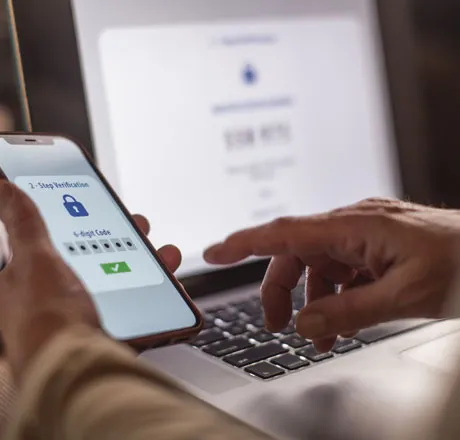
Stay Secure with Mobile Banking Protection
Protect your financial well-being with security features designed to help safeguard your accounts, monitor suspicious activity, and give you greater control over your banking experience.
Benefits:
- Multi-factor authentication (MFA)
- Account alerts
- Secure login
- Fraud monitoring
- Card controls
Resources:
How to Enroll in Online Banking
Getting started with Online Banking is simple. Follow the steps below to enroll, create your login credentials, and access your accounts from virtually anywhere.

Step 1: Gather Your Account Information
Have your account details available before enrollment.
Enroll Now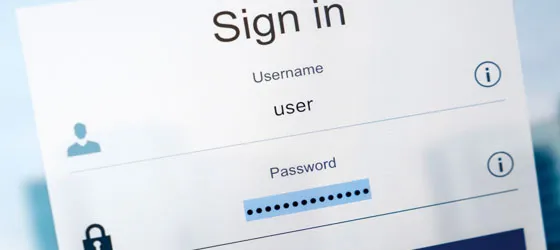
Step 2: Create Your Online Banking Login
Follow the enrollment process to establish your username and password.
Enroll Now
Step 3: Download the Mobile App
Access your accounts from anywhere using your smartphone.
Apple App Store Google PlayPersonal Banking Resources & Insights
Access helpful resources and financial insights that can help you bank smarter, protect your accounts, and make the most of your financial tools.

Banking Made Easy: 10 Checking Account Features
Discover the tools and benefits that come with a First United checking account, from online banking and bill pay to account alerts, fraud protection, and more.
Read Now
9 Best Practices for Online & Mobile Banking Security
Online and mobile banking are convenient, but staying secure is essential. Explore tips to help protect your accounts, devices, and personal information.
Read Now
Protect Your Family's Identity with Secure Checking
See how Secure Checking helps safeguard your identity with monitoring, protection, and fraud resolution services.
Read NowSpeak with a Banking Specialist
Get personalized support online, by phone, or at a local branch.
Frequently Asked Questions
-
What is digital banking?
Digital banking allows you to securely manage your accounts online or through the First United mobile app. You can check balances, transfer funds, pay bills, deposit checks, manage cards, and monitor account activity anytime, anywhere.
-
How do I enroll in First United online banking?
If you're a First United customer, you can enroll in Online Banking by creating your login credentials and verifying your account information. Once enrolled, you'll have access to Online Banking and the First United mobile app.
-
Can I deposit checks through mobile banking?
Yes. Mobile Deposit allows you to securely deposit eligible checks using your smartphone through the First United mobile app, eliminating the need to visit a branch.
-
Is mobile banking secure?
Yes. First United uses multiple security features including secure login, fraud monitoring, account alerts, and identity protection tools to help keep your accounts safe.
-
Can I transfer money using the First United mobile app?
Yes. You can transfer funds between eligible accounts, manage external account transfers, and send money to family and friends using Zelle® through Online and Mobile Banking.
-
How do I reset my online banking password?
Forgot Password:
- In case you have forgotten your password you can access the “Forgot password” link on the login page.
- Enter your login ID and follow the instructions on the form to reset your password.
Change Password:
In case you wish to change your password, you can access the ‘Security preferences’ option in the navigation tab and click on ‘Change password’.
- Message and data rates may apply. Such charges include those from your communications service provider.